Overview
In this article, we will review how to sign into the Express Pay Portal.
How to sign-in to the Express Pay Portal
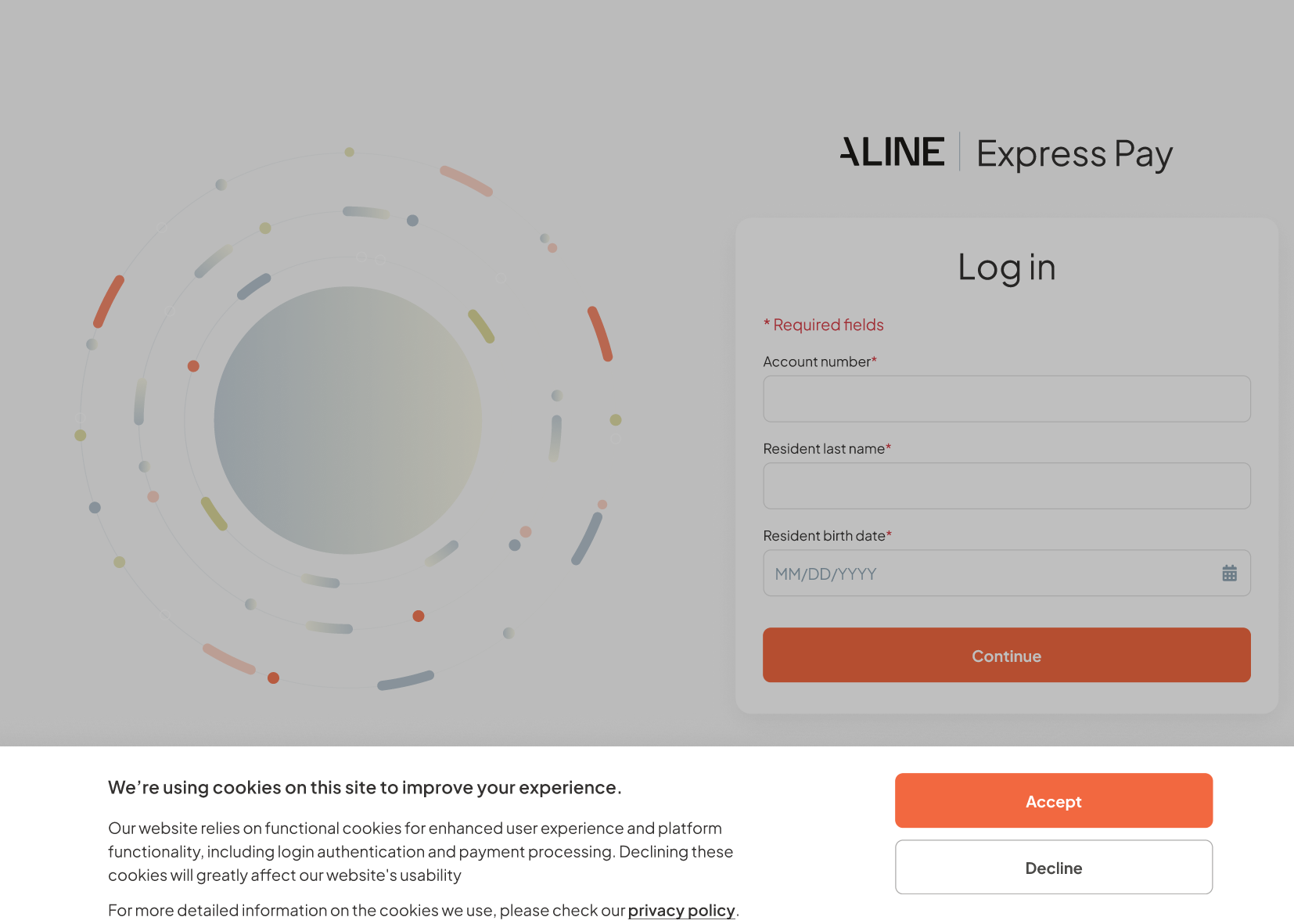
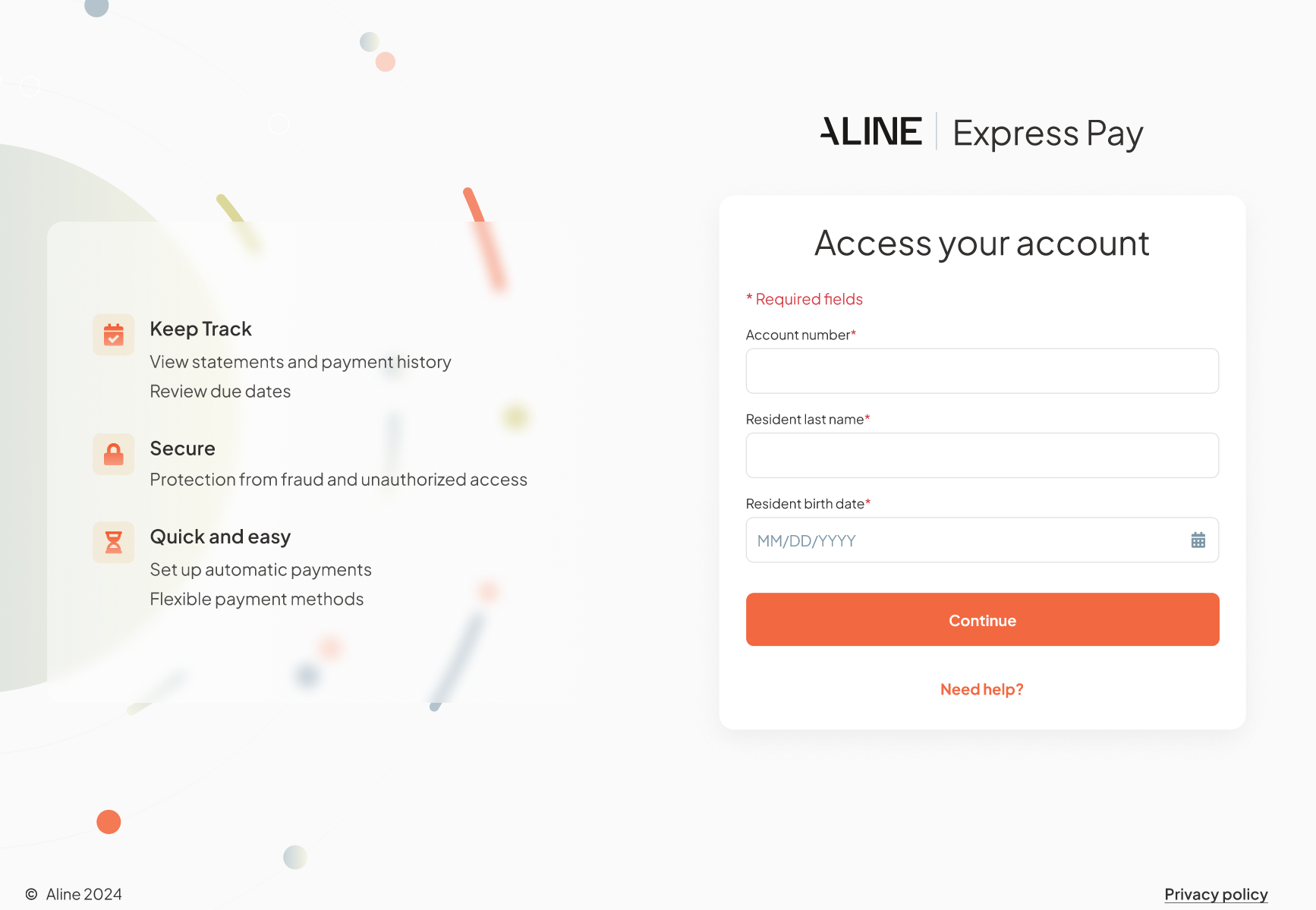
To access Express Pay, users will navigate to the Express Pay weblink provided by their Community Managers and accept the "Functional cookies." Following this, they can proceed to enter the Resident’s Account Number, Last Name, and Date of Birth.
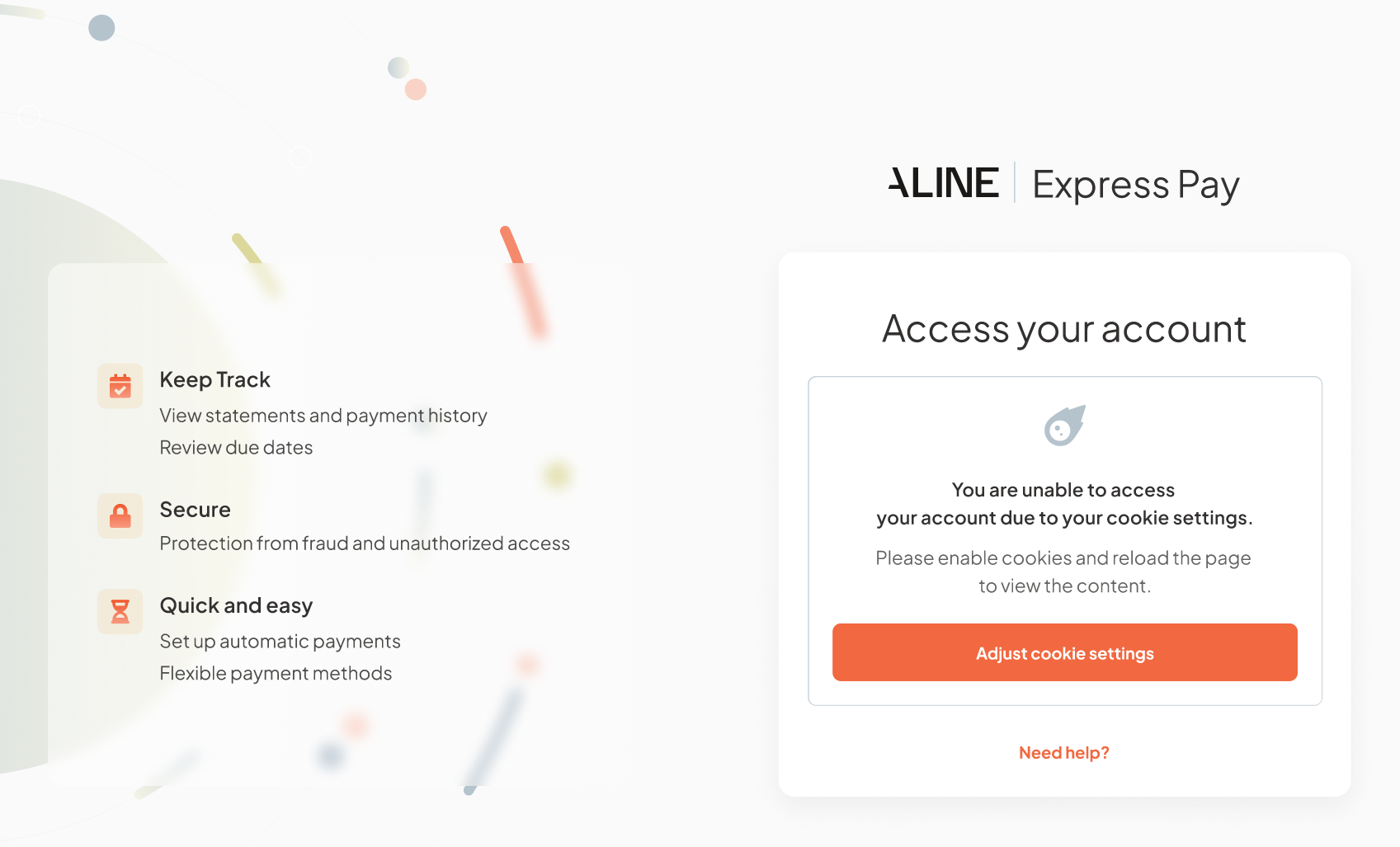
Note: The Express Pay website will not be accessible to users who decline functional cookies. Functional cookies are essential for providing authentication and payment processing features to users.
Was this article helpful?
That’s Great!
Thank you for your feedback
Sorry! We couldn't be helpful
Thank you for your feedback
Feedback sent
We appreciate your effort and will try to fix the article