Overview
In this article, we will review the steps to changing a statement delivery preference. Statement delivery preferences can be set during the resident move in and in two additional locations after the resident move in: on the resident's profile and via Resident Statement Delivery Preferences.
Steps to Change A Statement Delivery Preference on the Resident Profile
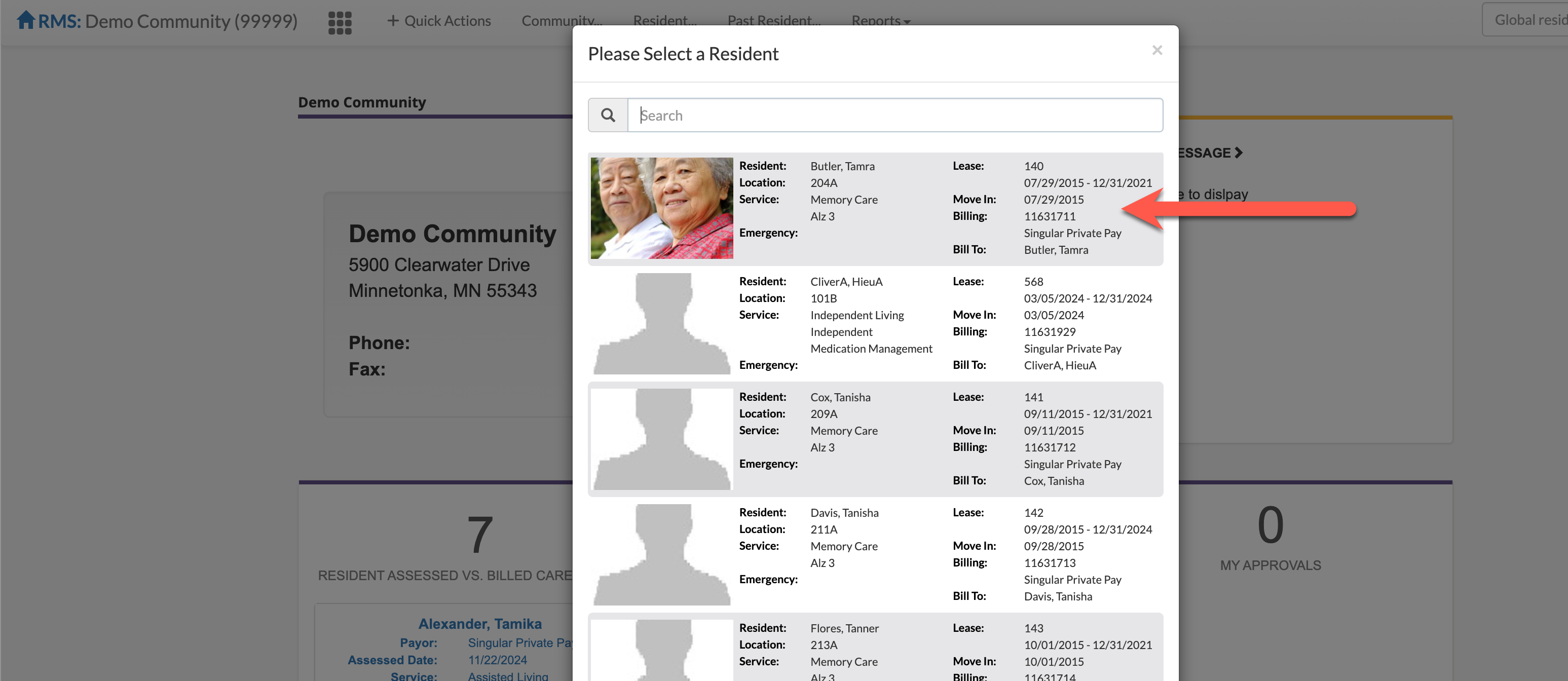
Step 1: Once logged into the Aline Leasing & Billing application, select the Resident dropdown menu and then select the desired resident.
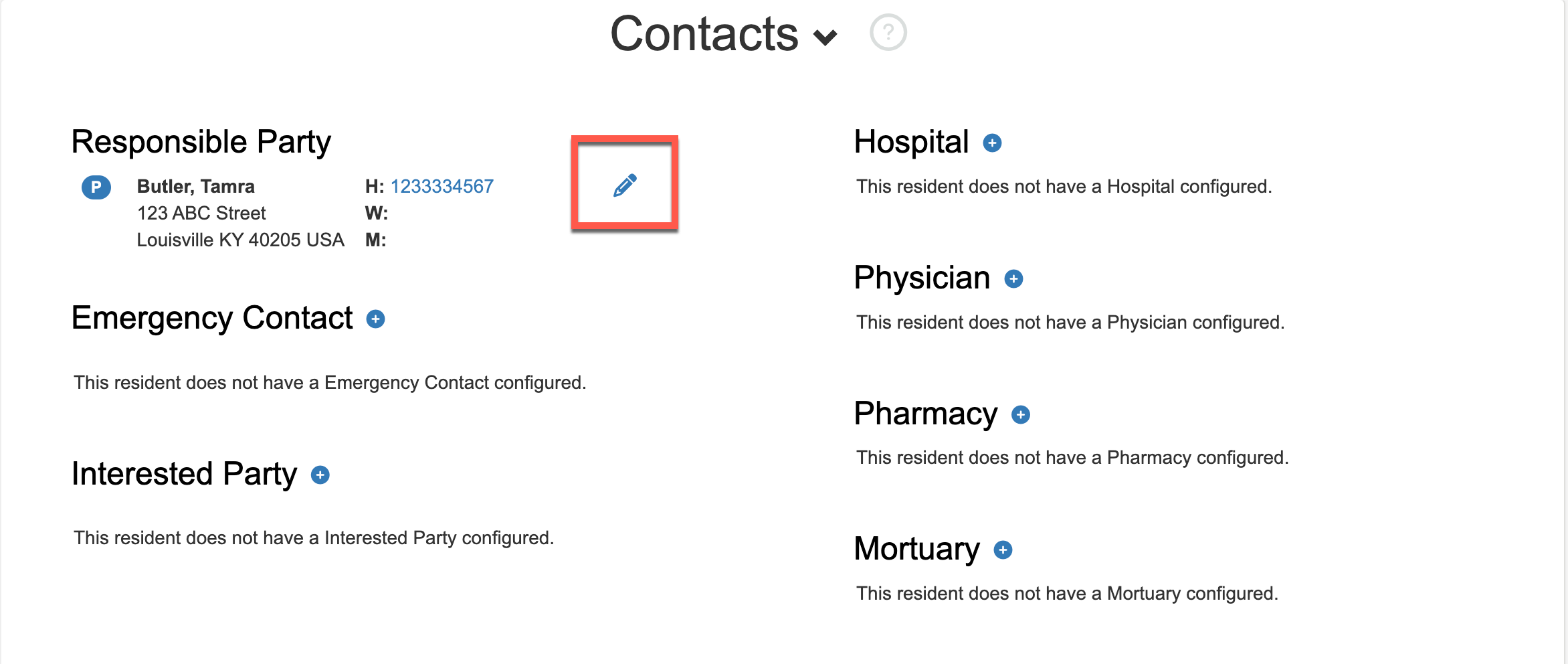
Step 2: On the resident profile, scroll down to Contacts. The Responsible Party, along with any Interested Party contacts that have been added as Payors, can have their Statement Delivery Preferences edited. Select the blue pencil icon to edit the contact.
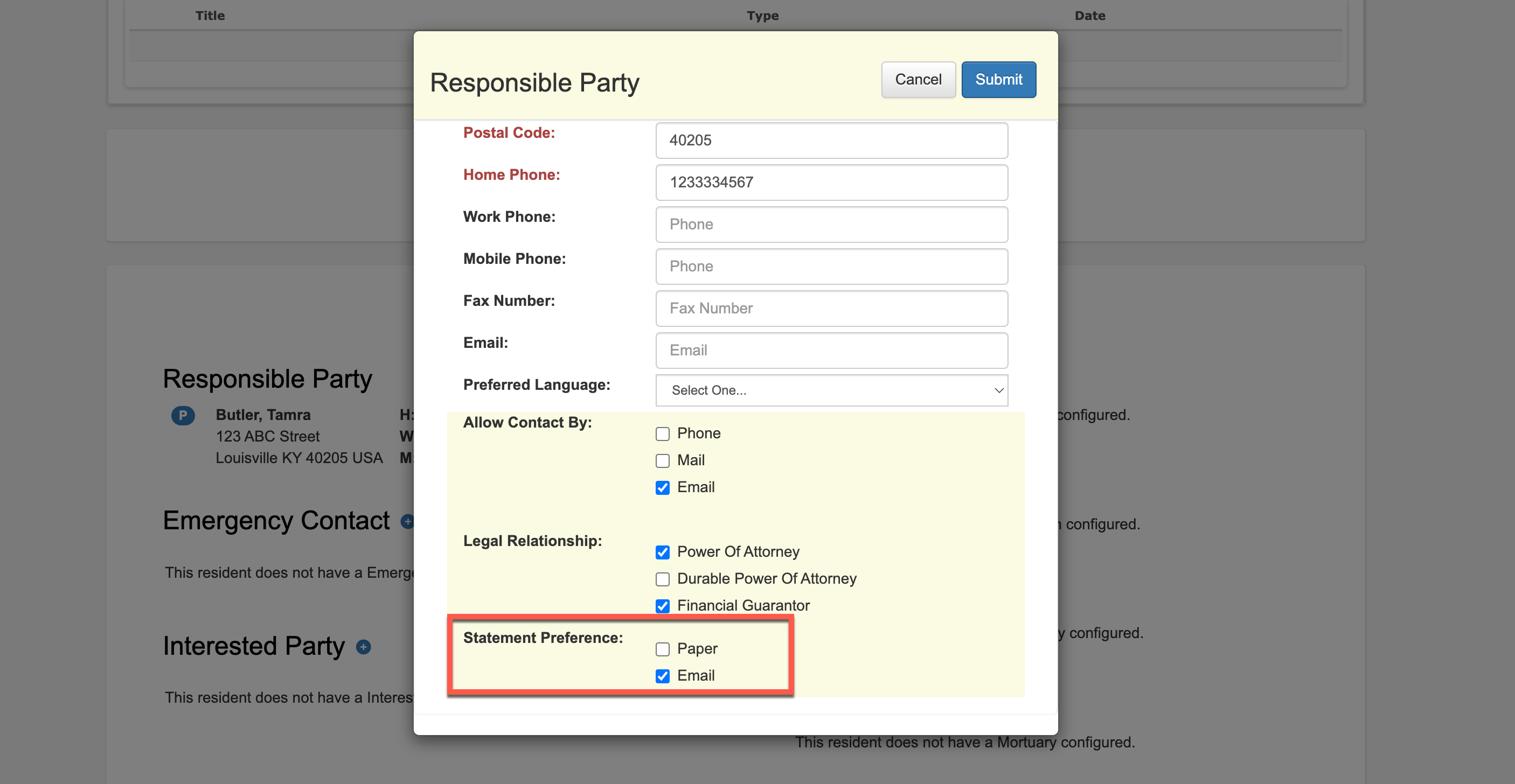
Step 3: At the bottom of the contact's page, edit the Statement Delivery Preference as desired.
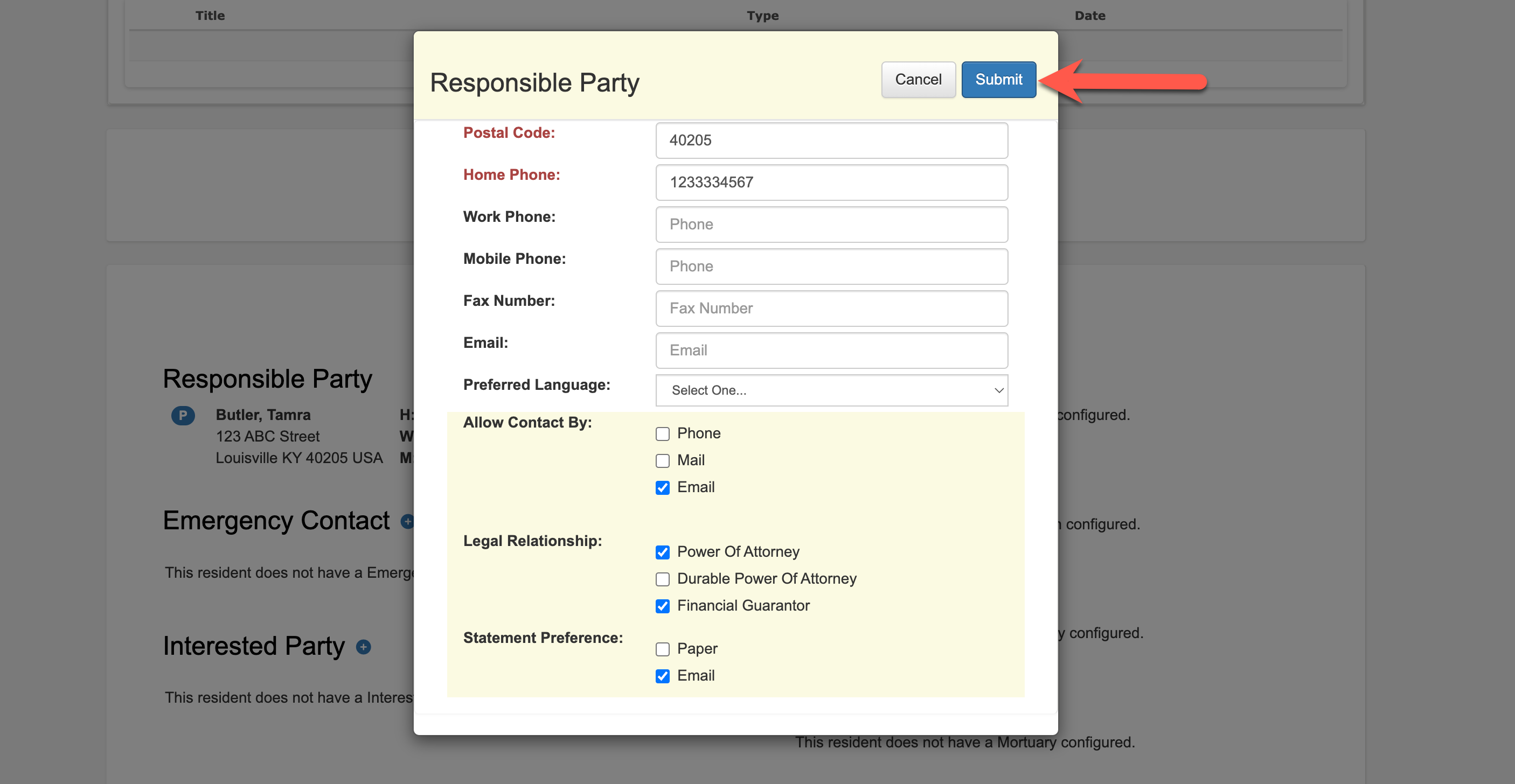
Step 4: Select submit to save the new information.
Steps to Change A Statement Delivery Preference via Statements & Billing
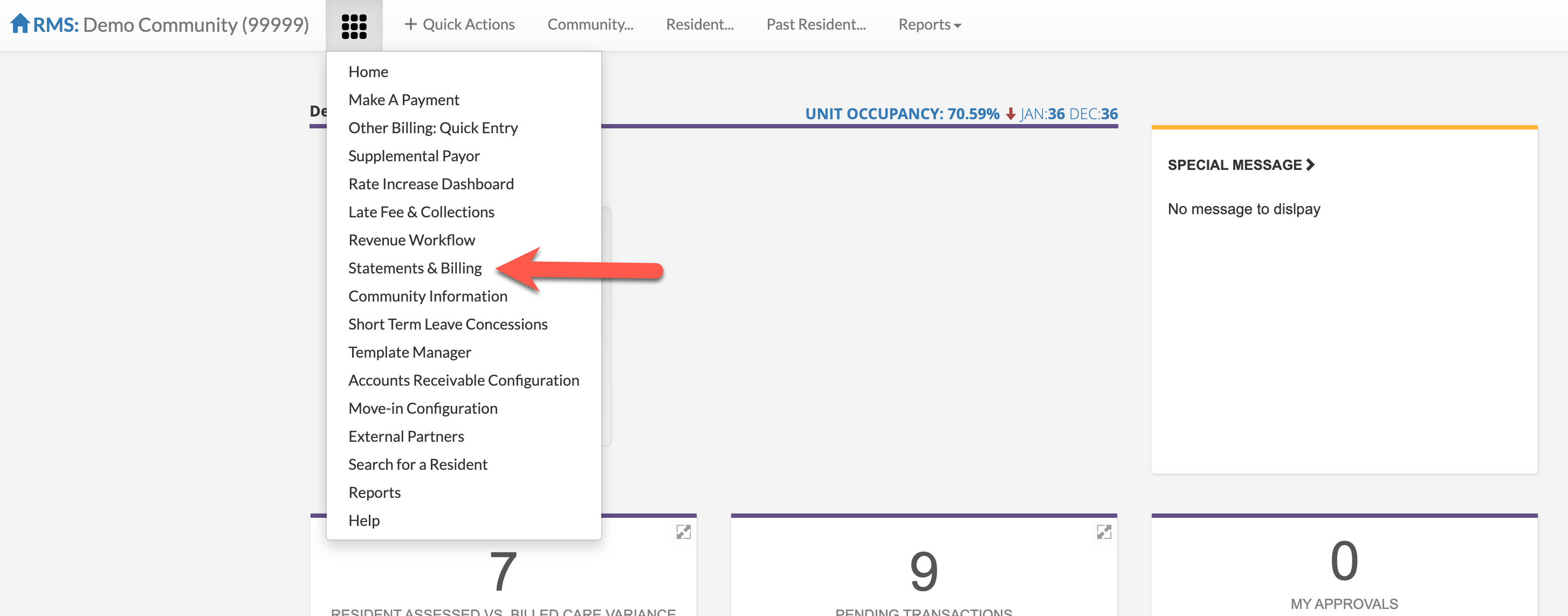
Step 1: Once logged into the Aline Leasing & Billing application, select the Waffle Menu and then Select Statements & Billing.
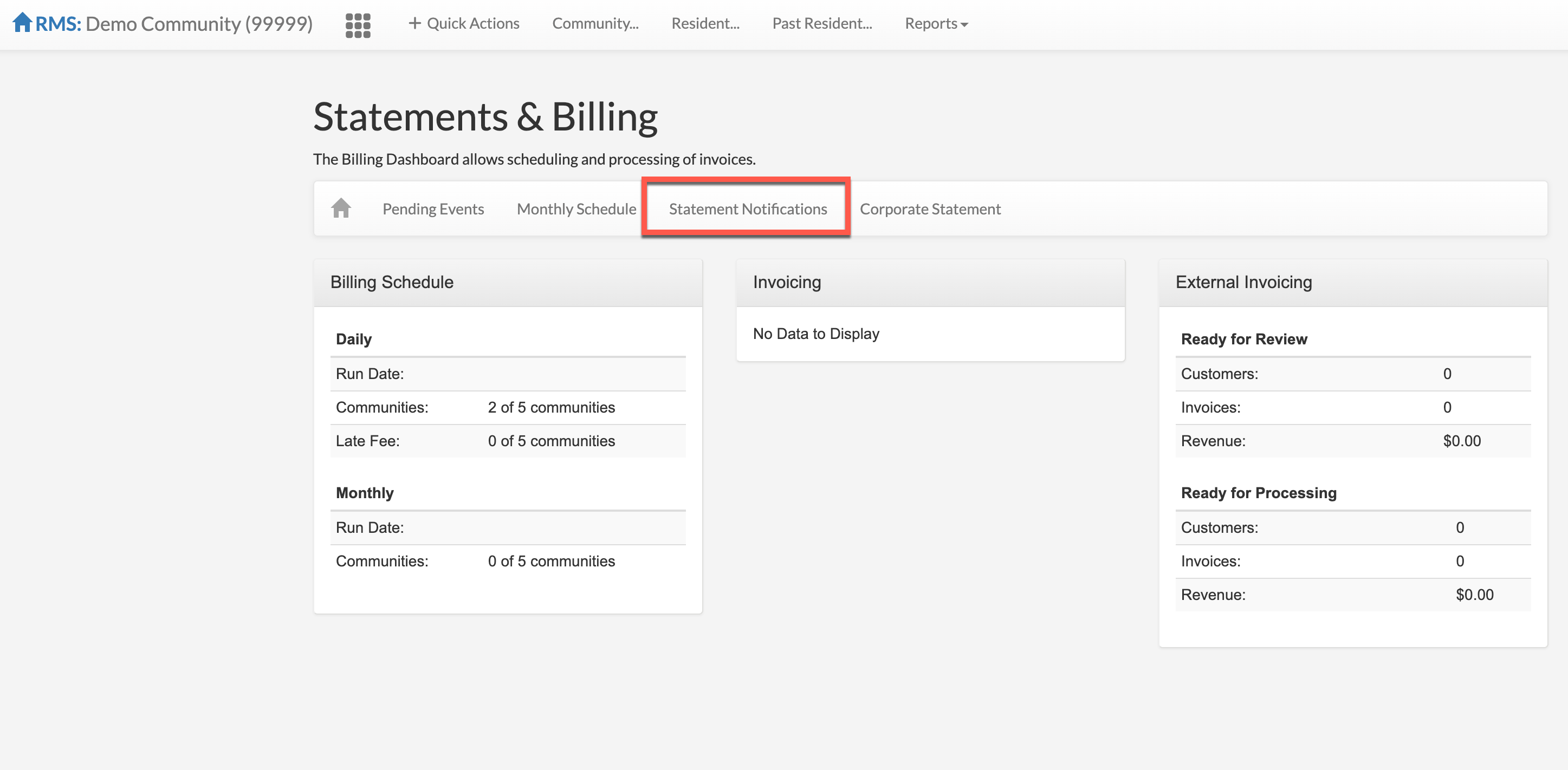
Step 2: On the Statements & Billing page, select Statement Notifications.
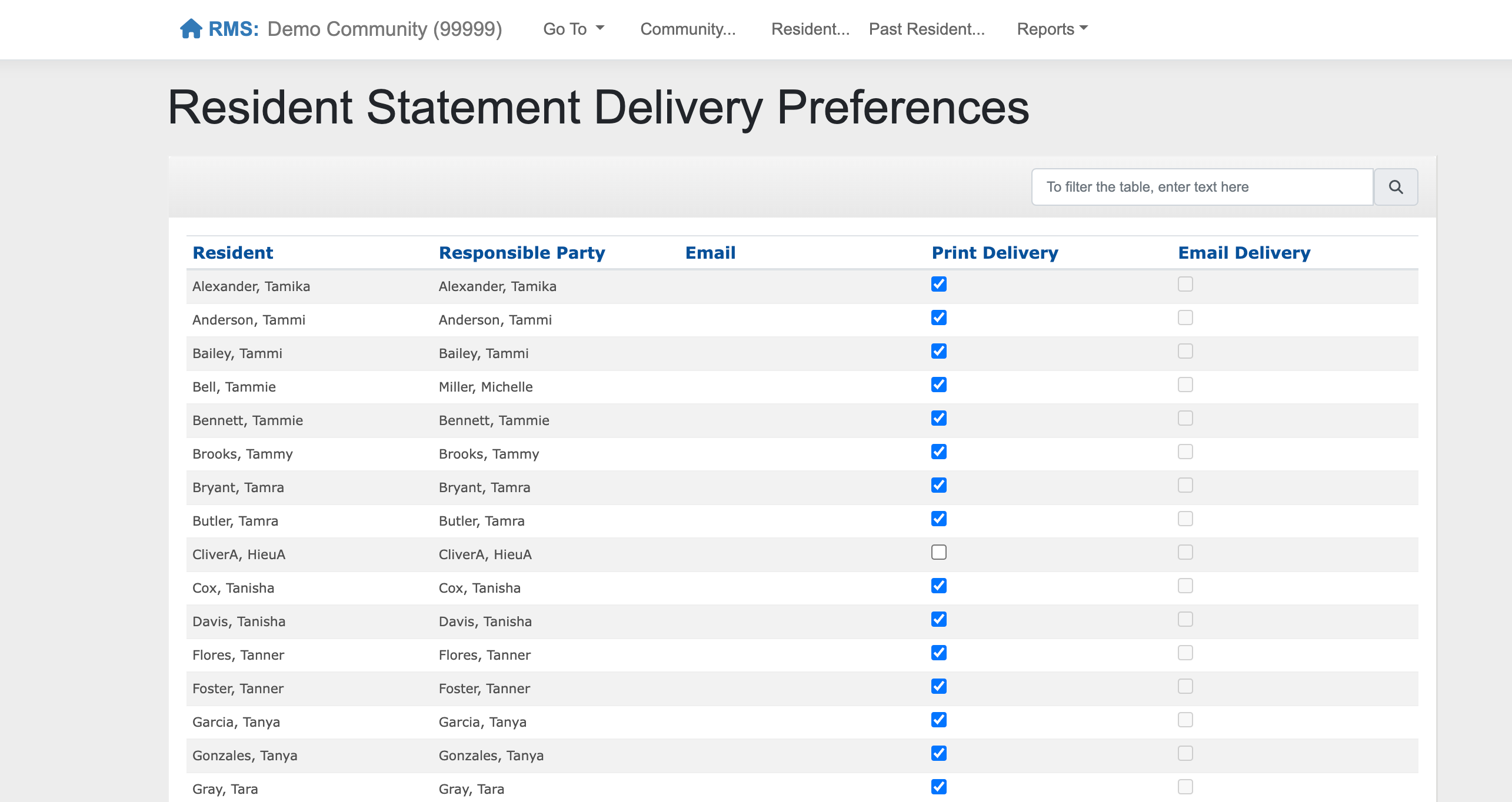
Step 2: A list of all active residents, their responsible parties, and their currently elected Statement Delivery Preferences will display. Edit any elections as necessary.
Please Note: Both Print and Email can be elected concurrently. Responsible Parties must have an email address on file in Aline Leasing & Billing in order to elect email as their Statement Delivery Preference.
Was this article helpful?
That’s Great!
Thank you for your feedback
Sorry! We couldn't be helpful
Thank you for your feedback
Feedback sent
We appreciate your effort and will try to fix the article