Overview
In this article, we will review sending email statements.
Steps for Sending Email Statements
Step 1: Once on the Corporate Statement Page, click on Create Batch. 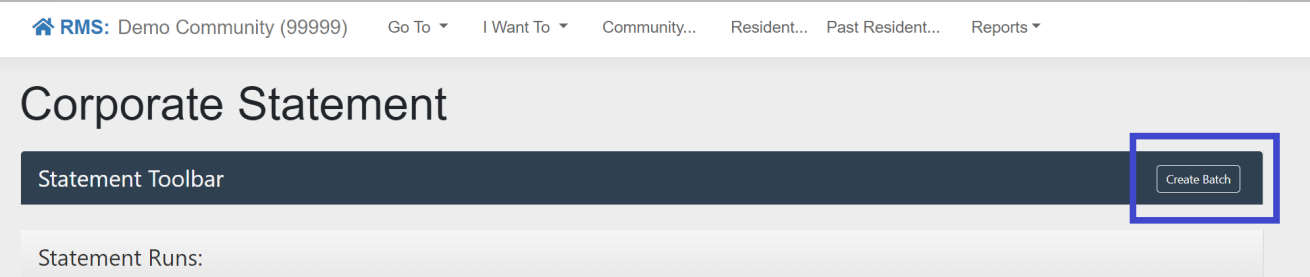
Step 2: Once the Statement Run Create window pops up, fill out all the required fields and submit. 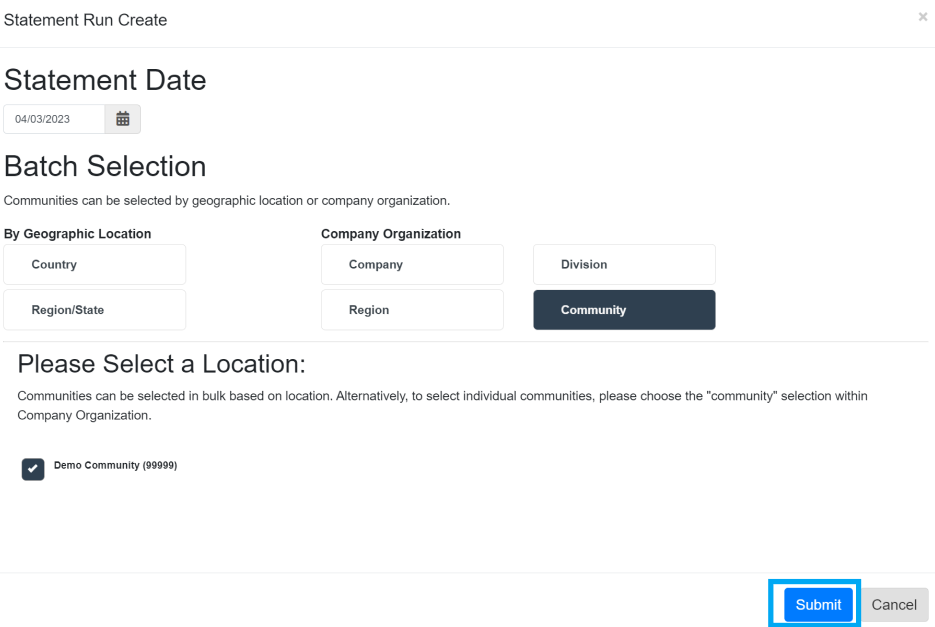
Was this article helpful?
That’s Great!
Thank you for your feedback
Sorry! We couldn't be helpful
Thank you for your feedback
Feedback sent
We appreciate your effort and will try to fix the article