Overview
In this article, we'll cover the process for resetting your Aline Academy password should you forget it.
Steps to Reset Aline Academy Password:
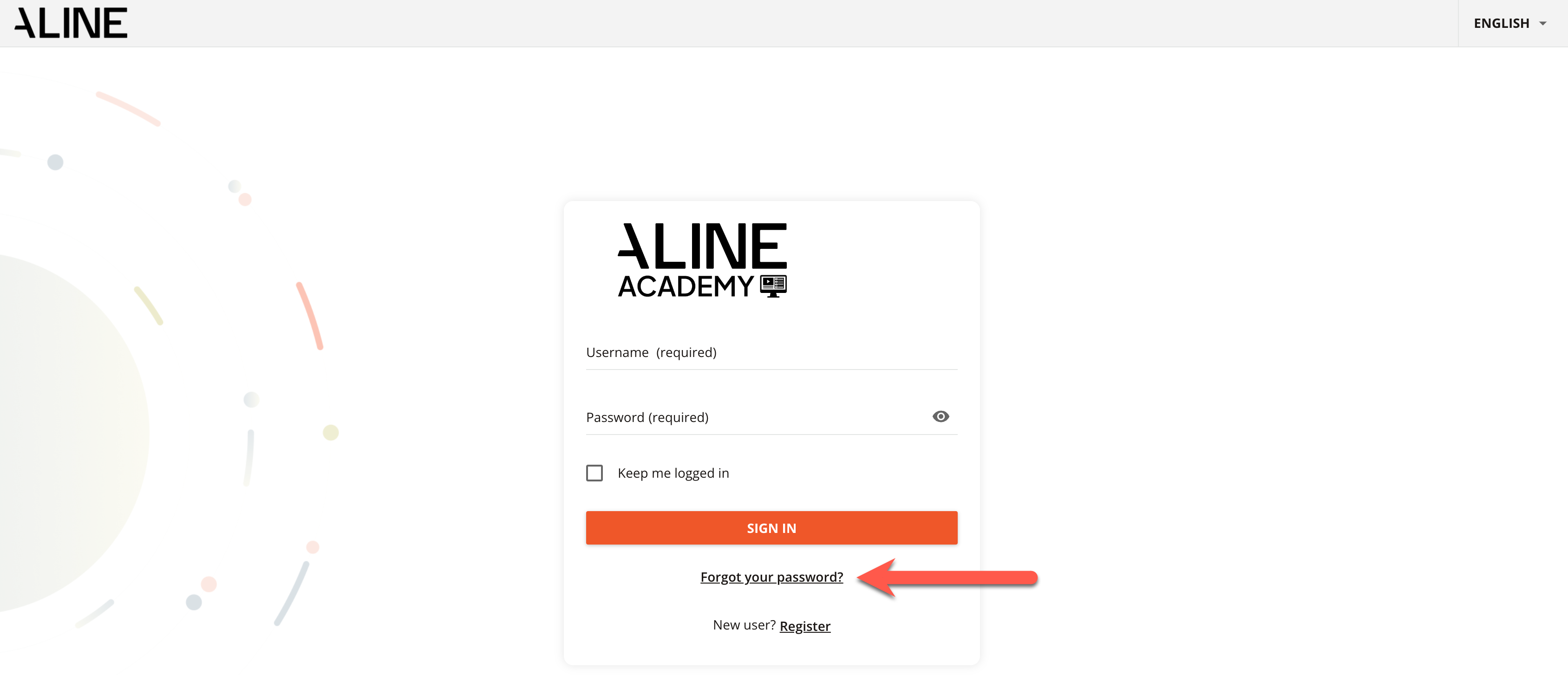
Step 1: If you've forgotten your Aline Academy password and need to reset it, simply select the Forgot Your Password option pictured below.
Step 2: Next, enter in either your username or your email address associated with your Aline Academy account. This is the email that would have been entered when you registered for Aline Academy. Then, select the button labeled Send Reset Link.
Note: if an incorrect email was submitted during Aline Academy registration, please reach out to training@alineops.com to have your password reset.

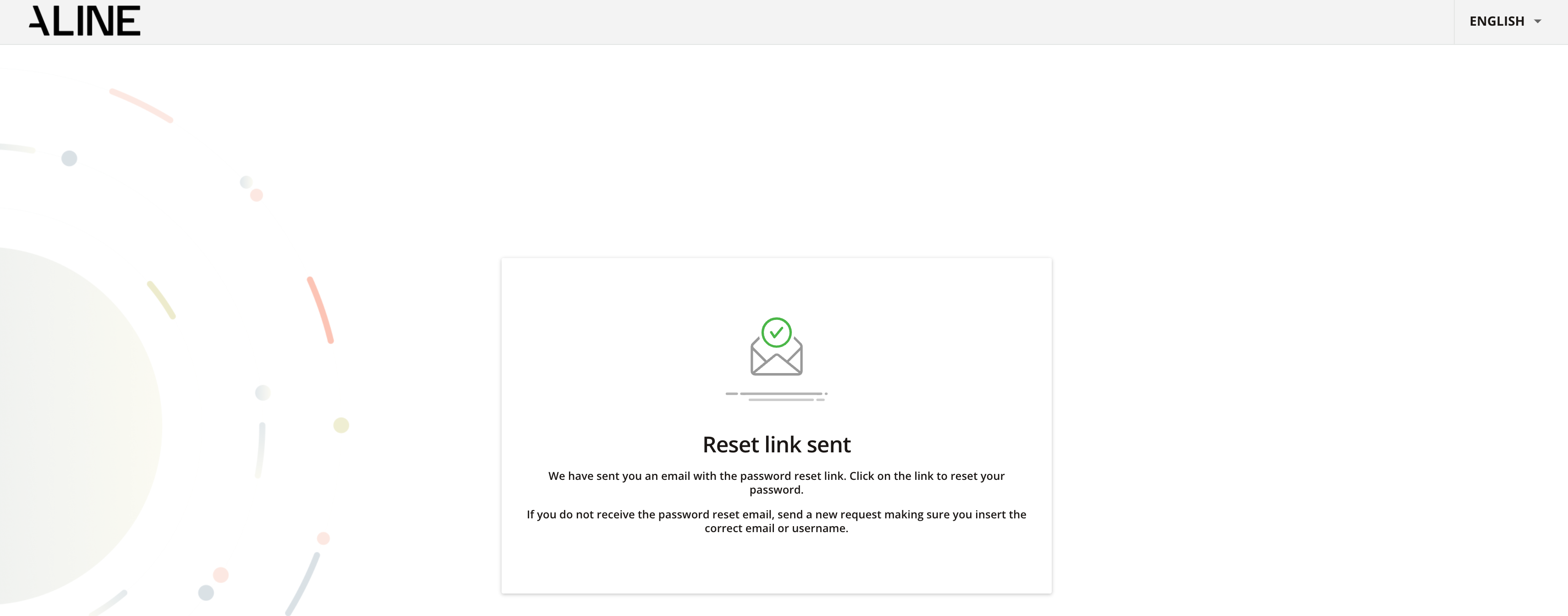
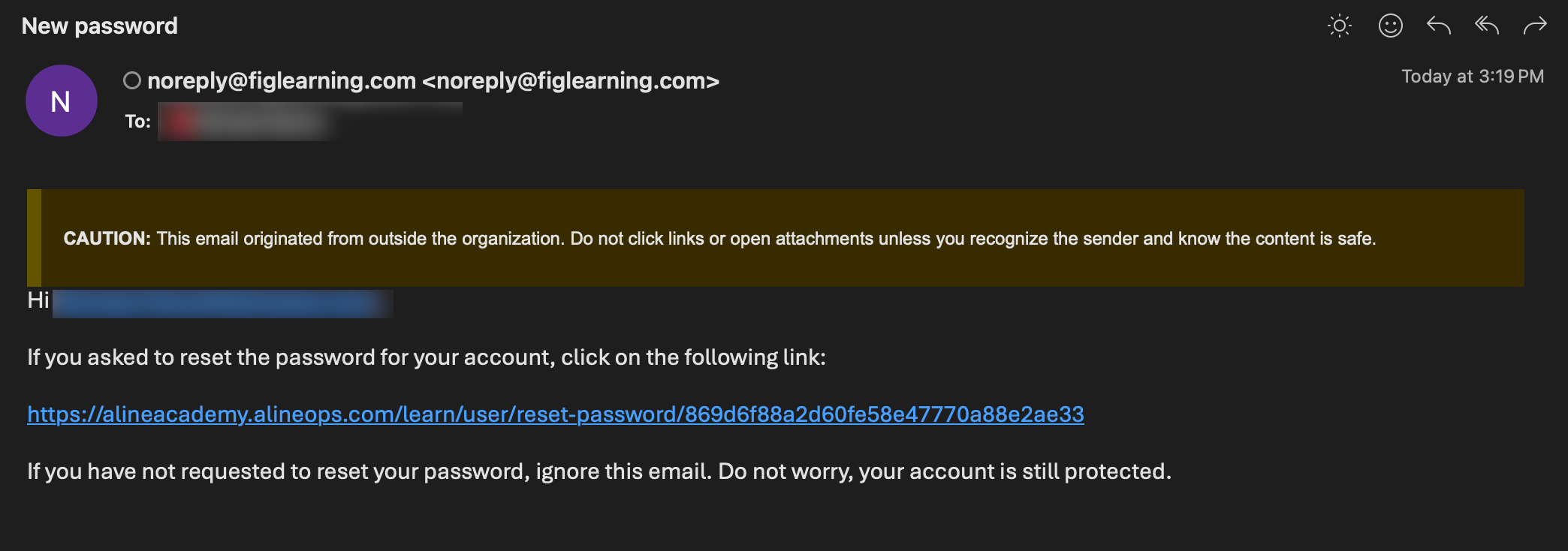
Step 3: You'll then receive a link through your email with instructions to reset your password. If you cannot find the email, please check your span folder as some organizations may filter out such emails from your main inbox.
Note: please reach out to training@alineops.com if this process is unsuccessful and you remain locked out of your Aline Academy account.
Was this article helpful?
That’s Great!
Thank you for your feedback
Sorry! We couldn't be helpful
Thank you for your feedback
Feedback sent
We appreciate your effort and will try to fix the article